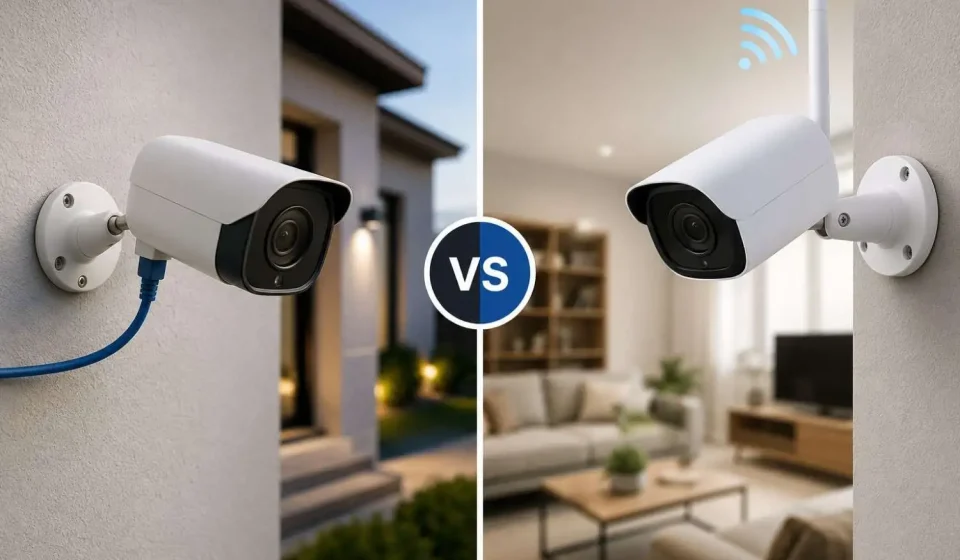

Due to a sudden mishap, you’ve decided your home needs a solid security system. But the thing is, knowing about the weather in Edmonton, what will fit your property: wired or wireless security camera- what does your budget and patience say? If you are thinking about choosing wireless security camera installation, ensure that it’s a DIY activity; but for wired security camera installations, you need to hire professional experts- that’s where you need Vizdomtech for sure.
If you’re a homeowner who has kids, senior citizens living, and are worried about blurry camera footage, or a business person who can’t keep up with a single mistake, whether it’s about parking lots, employees working on the floor, or goods in the warehouse.
In this guide, you will learn how wired and wireless security cameras differ, and how they protect you in other ways.
Wired vs Wireless Security Camera
Let’s read about how cameras get power and send clear images of activities.
- Wired Security Camera: These cameras rely on cables such as Ethernet with Power over Ethernet (PoE), which transmits video and power over a single line.
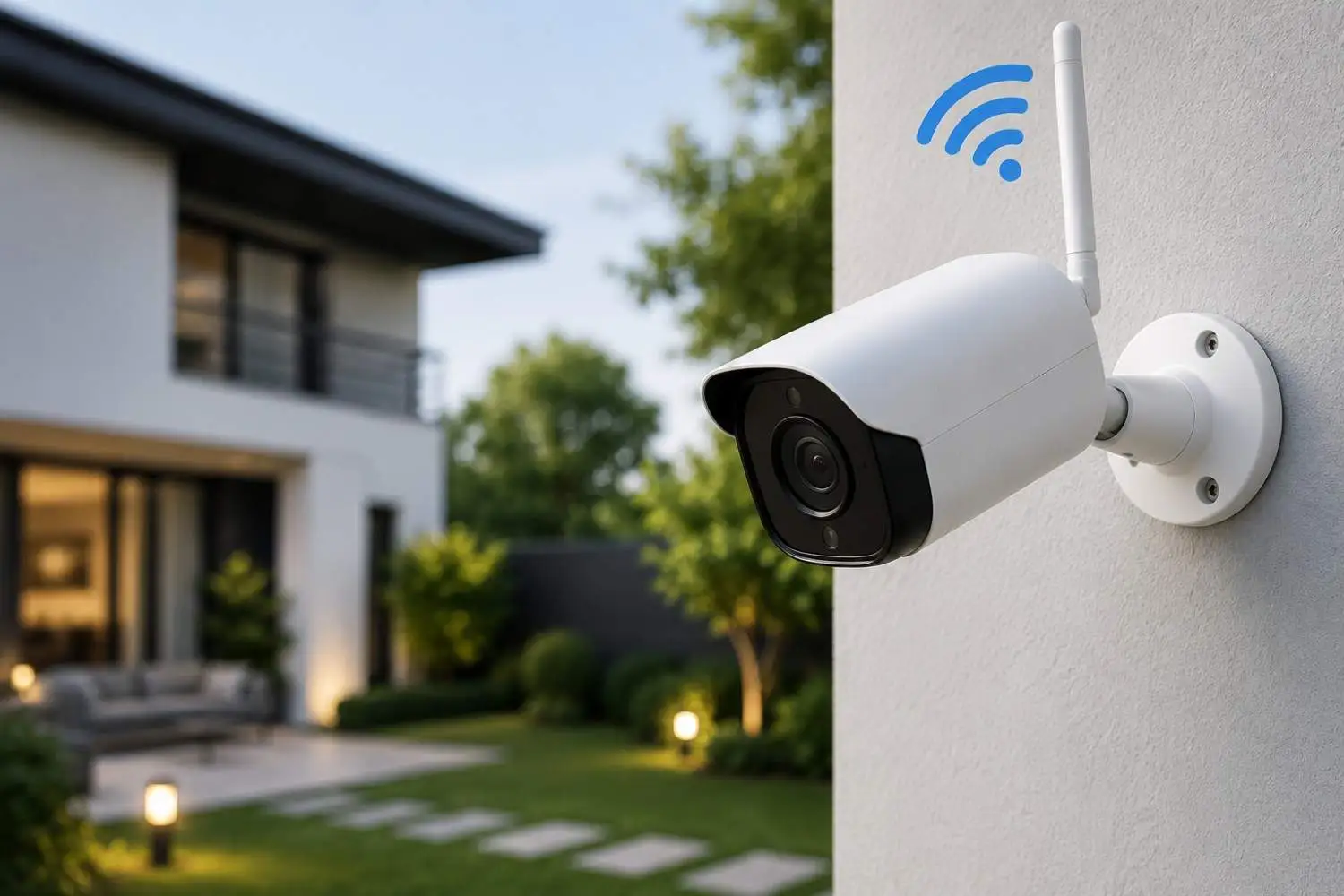
- Wireless Security Camera: These cameras use radio frequency or Wi-Fi to transmit data; most run on rechargeable batteries or a small solar panel rather than a plug.
The difference between cable and no cable changes the entire game of cost, reliability, video quality, and how much maintenance you’ll need in six months.
Wired vs Wireless Security Camera: Which One is Reliable?
If you receive notifications after something happens rather than at the exact time, there is no point in having a camera system installed at your property.
If we talk about a wired camera system, it transmits data over a physical connection that isn’t affected by walls, distance, or any WiFi interference; as a result, the cameras can support 4K and even 8K video quality without any congestion. The wireless camera system, on the other hand, relies on a wireless network to transmit data and can be affected by thick walls, long distances, and WiFi interference, which can degrade video quality and reduce resolution to 720p.
One advantage of the PoE wired system is that it keeps recording nonstop unless it’s backed up by a UPS, but a battery-powered wireless system can experience intermittent operation due to frequent power cuts.
How to Install Them?
The procedure for wired security camera installation is more complicated than you think:
- First, run an Ethernet or coaxial cable through walls and ceilings.
- Drill the entry points and route the cable back to an NVR or DVR
- Mount the cameras, connect power (or use PoE), and configure the recorder
- You may need a professional installer, especially for multi-camera commercial setups
Installing wireless security cameras is more approachable as a DIY afternoon project. And the general process looks like this:
- Select an area of strong WiFi coverage
- Drill and mount the bracket, then secure the camera
- Plug in a DC adapter or charge the battery
- Open the app, scan the camera’s QR code, and connect it to your Wi-Fi
- Name your device, set a password, and finish setup
For a full multi-camera wireless system tied to an NVR, connect each camera to it via Ethernet to sync it to your Wi-Fi network, then disconnect the cable once the sync is confirmed; after that, the cameras run wirelessly.
Which One is Affordable?
Wireless security camera installation wins here without any prior debate, since there’s no cabling labour and no professional installer needed.
- Wired Security Camera: It demands higher installation cost, but almost no recurring cost, no batteries, no recharging trips, minimal maintenance once it’s running.
- Wireless Security Camera: Can be installed at low cost, but can ditch in replacement batteries, frequent camera reconnections, and potentially a Wi-Fi upgrade if your existing router can’t handle multiple video streams
For a homeowner who wants to install two or three cameras, wireless is often the cheaper and faster route. For a business owner who has an entire team covering an entire building or lot, the maintenance savings of wired usually make up for it within a couple of years.
Who Do You Choose?
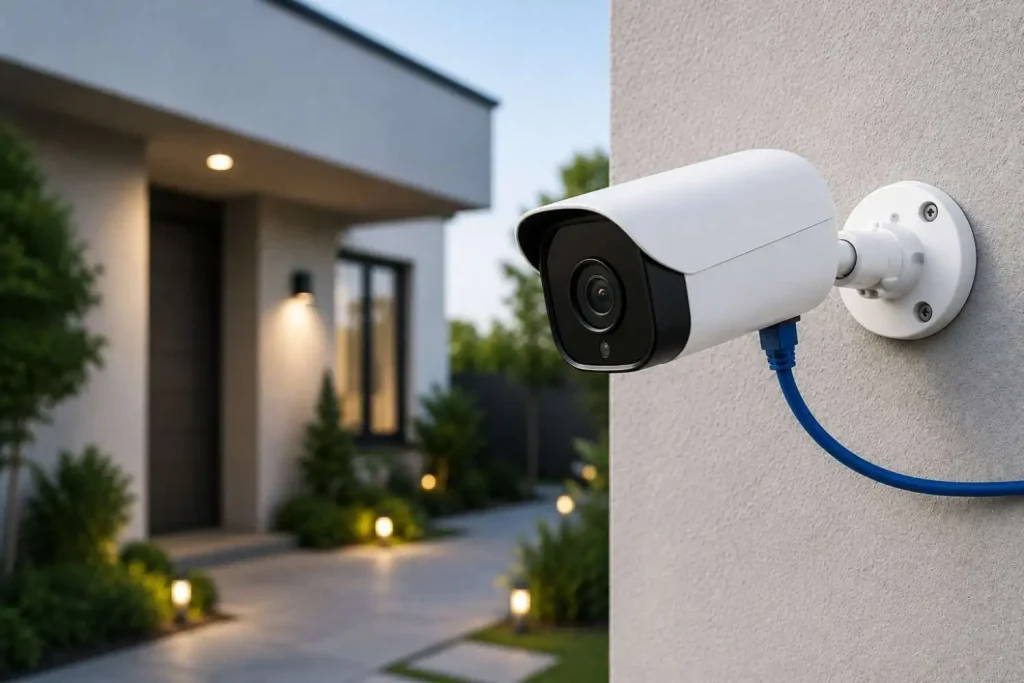
Choose wired security camera installation if:
- You have a permanent property, a store, warehouse, or office
- You want 4K+ footage for court-ready evidence or facial recognition
- You already have network infrastructure (or are building new construction)
- You have high-value assets where real-time monitoring isn’t an option
Choose wireless security camera installation if:
- You’re living in a rented apartment and can’t equip cables through walls
- You need cameras for a temporary event or a construction site
- You need to cover a detached shed, gate, or driveway with no nearby power
- You have a small business, and are testing out video security before a bigger rollout
Conclusion
The winner varies by criterion, but here, in the case of wired vs wireless security cameras, both are stars in their own right. They fit perfectly with the desired property; if you own a building and want a reliable system that will last for years, choose wired security camera installation. On the other hand, if you want a fast and flexible setup that covers all the spots without power, go for wireless security camera installation.
The good news is that Vizdomtech can help you install both wired and wireless CCTV systems, with their professional experts on-site; we examine your property and recommend the best system.
FAQs
Q1. Which is better for business: a wired security camera or a wireless one?
Ans: For most businesses that have a fixed location, wired systems support higher resolutions, hold more cameras on a single network, and don’t require battery maintenance, which matters when you have dozens of cameras to manage.
Q2. Can I install a wireless security camera myself, or do I need a professional?
Ans: Most wireless cameras are designed for self-installation: mount, power on, and connect through an app. Larger multi-camera systems with an NVR are still easier to get right with professional help.
Q3. Do wireless security cameras work during a power outage?
Ans: Battery-powered wireless cameras keep recording during outages until the battery runs out. Wired PoE cameras stop working in an outage unless connected to a backup power supply.
Q4. How far can I place a wired camera from the recorder?
Ans: A standard Ethernet cable can perform best up to about 100 meters without any repeaters or switches; meanwhile, older coaxial cable can run about 90 meters before quality drops.
5. Which option is cheaper to install, wired or wireless?
Ans: Wireless is almost always cheaper upfront since there’s no cabling or heavy labour involved. Wired systems cost more to install but usually cost less over several years, since there are no batteries to replace and less ongoing maintenance.